

Today at Smartling
What is translation as a service?
Explore all things translation as a service (TaaS), from how it's beneficial as part of a localization strategy to how to engage with a service provider.

Today at Smartling
Smartling and Iterable Unveil Powerful Integration for Seamless Cross-Channel Localization
The partnership melds marketing and localization strategies to boost conversion
Today at Smartling
Smartling partners with Akeneo to automate the translation and localization of product information
Partnership helps customers automate enterprise translation workflows and deliver multilingual digital experiences that drive global growth.

Today at Smartling
Smartling receives AI Breakthrough Award for best machine translation solution
Smartling has been named best machine translation solution in the natural language processing category for the 2023 AI Breakthrough Awards.

Today at Smartling
5 Reasons to Attend Global Ready Conference
Gain practical insights, actionable strategies, and connect with like-minded professionals to help expand your knowledge of localization & global growth.
Today at Smartling
Smartling honored as Stevie® Award winner in 2023 American Business Awards®
Smartling’s LanguageAI wins Stevie® Award as the top artificial intelligence and machine learning solution.
Today at Smartling
Smartling partners with email production platform Dyspatch to launch a marketing guide on translation and localization
The 53-page eBook counsels readers on the benefits of localizing websites, graphics, videos, and more
Today at Smartling
Smartling wins LocWorld 48’s Process Innovator of the Year
Founder and President Jack Welde accepted the company’s award for fully-automated visual context extraction from video entry
Today at Smartling
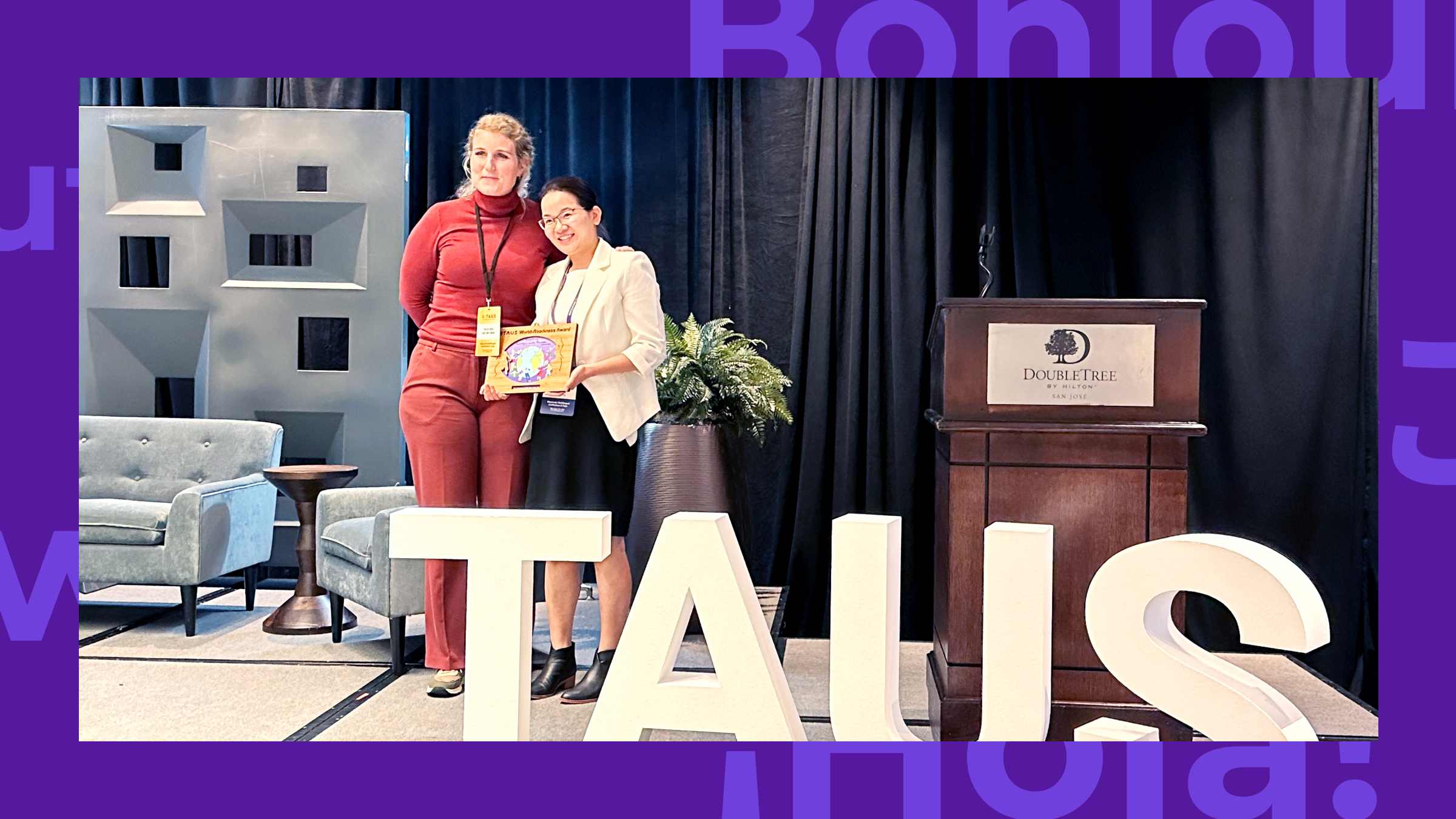
Quantifying the Quality of Translation Memories
Smartling was voted the winner of the World-Readiness Competition at TAUS: Massively Multilingual Conference. Here is how Smartling paves the way to quantify the quality of translation memory.

Today at Smartling
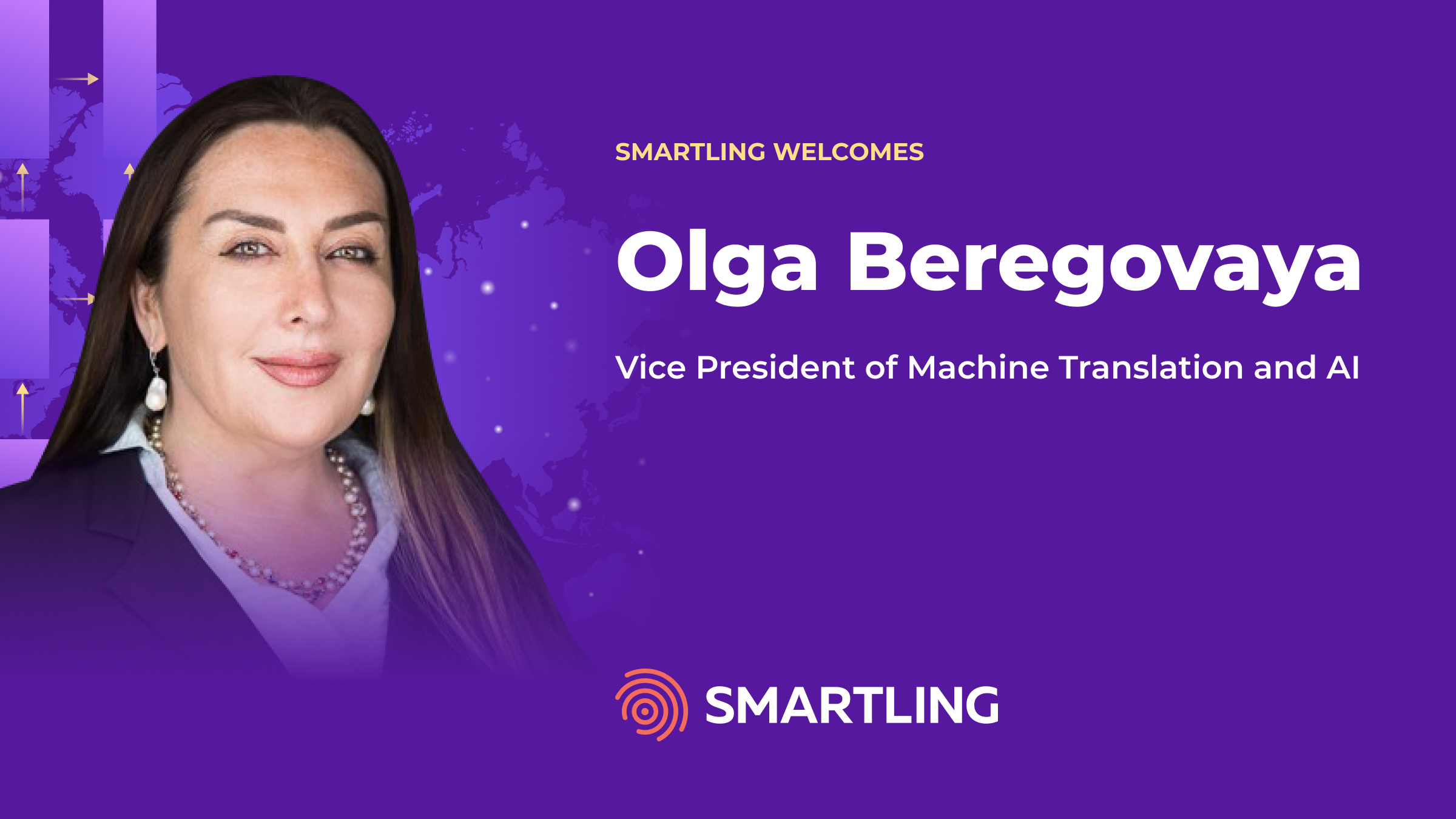
Smartling appoints Bryan Murphy as Chief Executive Officer
Murphy to lead Smartling post $160 million growth investment, expand company’s enterprise-grade translation platform

Today at Smartling
Smartling announces $160 Million investment from Battery Ventures
Investment in enterprise-class, cloud translation platform will capitalize on growing demand for global and localized brand, content and customer experiences.

Today at Smartling
Coffee Orders: What Our Teams are Ordering ☕️
If you are a coffee fan – or even if you’re not – take a look at what a few of Smartling’s employees from around the world say about the different ways to enjoy coffee!
Today at Smartling
International Translation Day 2021: Translator Q&A
September 30th is International Translation Day, an opportunity to pay tribute to the work of language professionals in bringing the world together through words.
Today at Smartling
Smartling partners with Sanity.io to enable powerful translation and turn-key localization for digital experiences
Global initiatives can be seamlessly scaled from one language into any other without the traditional overhead associated with language translation
Today at Smartling
Smartling announces Smartling+, an all new way to buy a comprehensive and holistic enterprise language translation solution
Smartling’s enterprise solution combines the power of market-leading software services with robust language services to deliver outstanding customer value.
Today at Smartling
Global Ready Conference lineup announced
More than 1,000 industry professionals plan to attend Smartling’s Global Ready Conference on April 14 via live stream.
Today at Smartling
Live Stream Smartling’s Global Ready Conference on April 14, 2021
Smartling’s flagship translation conference designed for customers, buyers and translators is back for 2021 and will be live-streamed globally.
Today at Smartling
Smartling Announces Integration with Adobe Experience Manager as A Cloud Service
As Adobe Accelerates Digital Transformation with New Cloud Offering, Smartling’s Integration Enables Mutual Customers with Unparalleled Translation Services
Today at Smartling
Smartling Introduces Transcreation Tool, An All New Interface to Write Creative Translations
New Experience Enables Customers and Translators to Work Collaboratively on Most Valuable Content
Today at Smartling
Translation Industry Veteran Gavin Grimes Joins Smartling’s Leadership Team
Gavin Grimes Poised to Accelerate Smartling’s Growth in Language Services
Today at Smartling
Smartling Announces Upgrades to Drupal and Zendesk Integrations
Added support for Drupal 9 and overhaul to Zendesk integration simplifies language translation management for global organizations.
Today at Smartling
Smartling Integrates with Optimizely to Localize Digital Experiences for Any Market
Enterprise Translation Cloud leader announces new product integration with digital experience platform leader Optimizely.
Today at Smartling
Smartling Announces New Integration with Yext to Translate Location Data
The first translation plugin listed on the Yext App Directory simplifies language translation for content powered by Yext.

Today at Smartling
Get to Know Lesley, Smartling’s New Head of EMEA
I had the chance to get to know more about Lesley as she joins the Smartling team.
Today at Smartling
Smartling Announces 2020 Global Ready Events
International, quarterly conferences bring together localization experts giving them space to create an irresistible experience for their audiences.
Today at Smartling
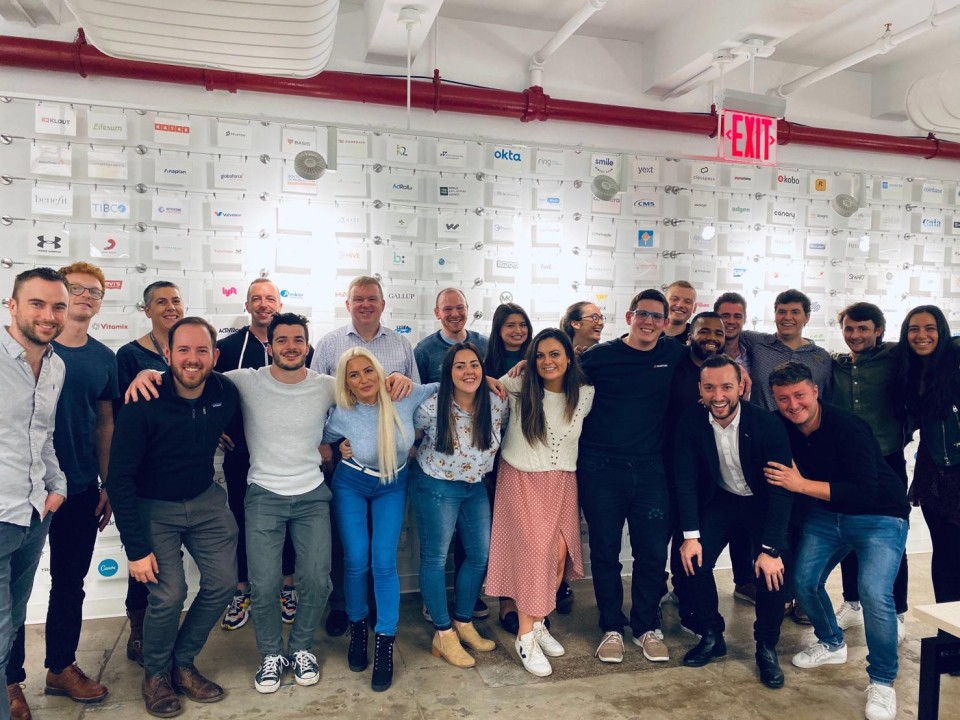
My Best Career Move - Joining Smartling
I’m very proud to be part of a team that is continuously over performing and helping each other succeed.
Today at Smartling
Smartling Reports Record Year, Adds 100+ New Customers in 2019
Customers using company’s language services offering increases 216% year-over-year

Today at Smartling
Working Towards a Connected World: Our Q&A With Translators without Borders
We had the chance to sit down with Translators without Borders to learn more about their mission, and how we can help.

Today at Smartling
Hitting the Books: Smartling’s Story-based Marketing
Smartling sat down with Renegade Thinkers Unite to discuss Move the World with Words.
Today at Smartling
Smartling Debuts “Move the World with Words” Podcast at American Translators Association 60th Annual Conference
Language translation company will chauffeur translators to conference in Teslas, host $3,000 travel giveaway at ATA60.
Today at Smartling
Smartling Opens New Dublin Office
Translation technology and services provider commits to presence in Europe to support EMEA customers.
Today at Smartling
Smartling Announces WordPress WPML Plugin
New integration provides Smartling customers with a second methodology to translate website content without leaving WordPress platform.

Today at Smartling
Traveling the World with Smartling: My Experience Working on Move the World with Words
Laura had the chance to help bring twelve translator's stories to life while editing Move the World with Words.
Today at Smartling
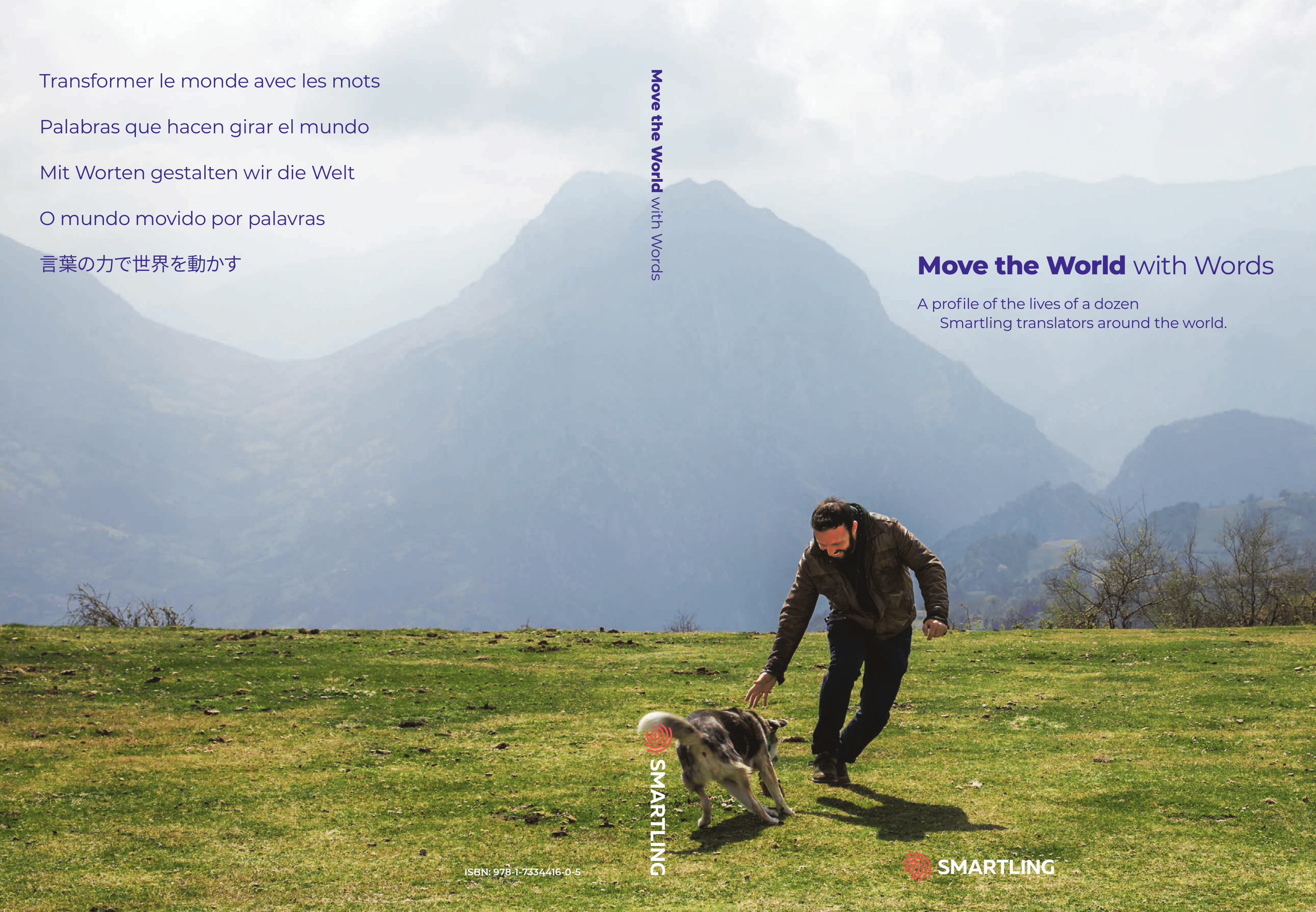
Smartling Releases ‘Move the World with Words’ Book at Global Ready Translation Summit
Coffee table book and $100 million commitment to industry aims to recognize the human element of global commerce.
Today at Smartling
Global Brands Trust Smartling to Manage Localization at Scale
Translation software and services company announces new logo acquisition, increases NPS by 11 points
Today at Smartling
Five Reasons You Should Attend The Global Ready Translation Summit
Come celebrate the translators that help fuel global commerce at our one-day conference and book launch.
Today at Smartling
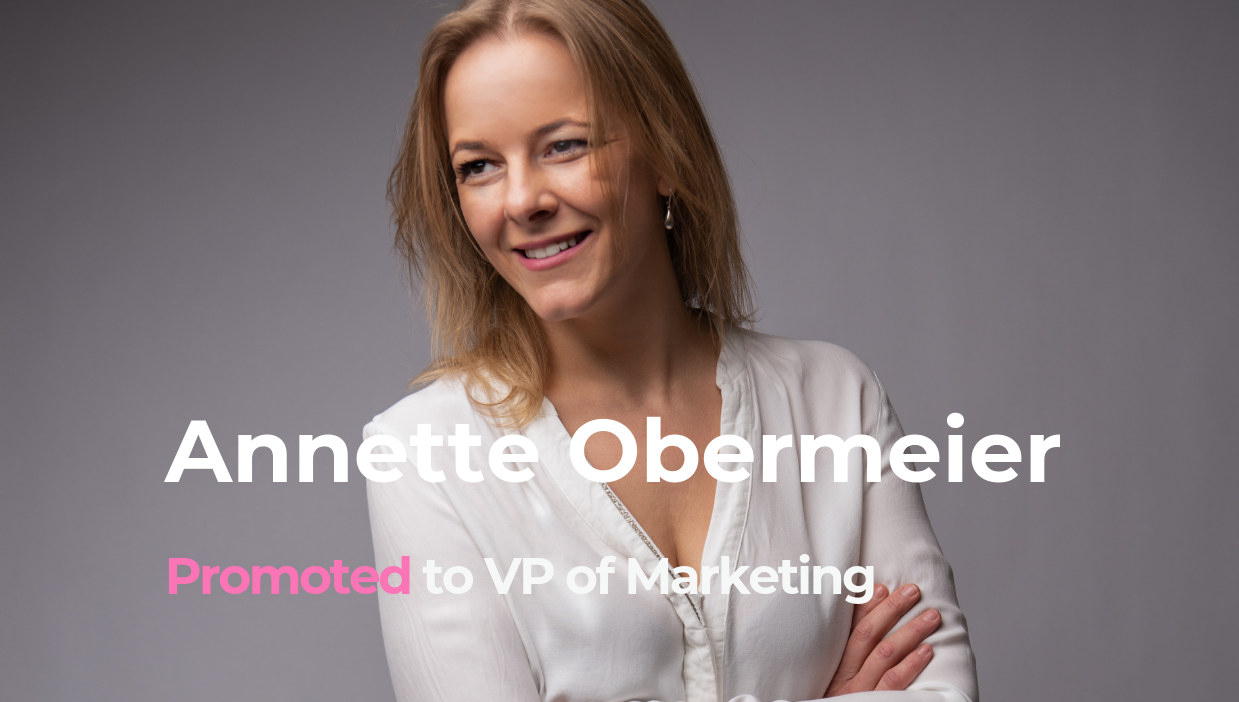
Smartling Promotes Ani Obermeier to Vice President of Marketing
Veteran global marketer levels-up position at translation technology and services company
Today at Smartling
Smartling Named Top Translation Management Software in G2’s Summer 2019 Grid Report
Business solution review platform recognizes Smartling for outstanding customer satisfaction
Today at Smartling
Simple. Intuitive. Refreshing: Introducing the New Smartling Experience.
Highlights from our beta launch of the New Smartling Experience.

Today at Smartling
Say Hello To The Dogs of Smartling
Behind the great people at Smartling are their great dogs. Get to know the team and their best friends.
Today at Smartling
Smartling Exhibiting at LocWorld40 Portugal
Conference examines challenges of going and being global
Today at Smartling
Defining a Culture of Growth
Insights from four colleagues who have inspired my career journey at Smartling
Today at Smartling
Smartling Debuts Move the World with Words™ at Global Ready™ Conference
Translation software and services company spotlights translators and customers at annual conference.
Today at Smartling
Smartling Announces Expanded Automation Capabilities at Global Ready Conference
Translation software and services company debuts new automation features and interface, increasing translation speed and cost savings.
Today at Smartling
Smartling Ranked #1 Market Leader by Common Sense Advisory
Comprehensive research and analysis of translation management system providers concludes Smartling is the most viable product.
Today at Smartling
Smartling Announces Global Ready Conference™ Keynote Speakers
TED Talk Speaker Lera Borodistky and Award-Winning Author Lane Green to Headline San Francisco and London-based Conferences, Respectively

Today at Smartling
What does Shake Shack have to do with software sales?
Written by Rebecca Silverstein

Today at Smartling
Smartling Announces 2019 Merger and Acquisition Strategy
Company seeks to enhance overall platform services and returns for shareholders.
Today at Smartling
Smartling Announces Global Ready Conference™ 2019
Company returns to San Francisco and London for annual user conference
Today at Smartling
Smartling Announces Strongest Annual Performance in Company’s History
2018 Fourth Quarter Bookings Surpasses Previous Fourth Quarter by 118%
Today at Smartling
Smartling Names Kunal Sarda Vice President of Customer Success
Localization veteran and Shark Tank Alumnus to oversee all customer-facing business units to further advance customer engagement and satisfaction.
Today at Smartling
New Smartling Awards Program Recognizes Translator Excellence
The Smartling Translator Awards have been established to acknowledge the value and outstanding contributions made by freelancers and agencies.

Today at Smartling
Smartling Global Ready™ Conferences 2018 – That’s a wrap
Bigger and better was the motto at this year’s Global Ready™ Conference, gathering over 400 Smartling customers between San Francisco and London in March 2018.
Today at Smartling
Smartling Helps Name.com Accelerate Growth in International Markets and Multiple Languages
Name.com implements Smartling’s Global Delivery Network for quick, accurate translations and localization for new international markets
Today at Smartling
Smartling and Contentful Partner to Deliver Built-in Translation Integration to Address Global, Multichannel Customer Experience Demands
Users of Contentful’s Content Infrastructure Can Now Seamlessly Integrate Smartling’s Translation Management Platform to Localize Content Efficiently at Scale
Today at Smartling
Smartling Unveils Keynote Lineup for Global Ready™ Conference 2018
Smartling today announced the keynote speakers for Global Ready Conference 2018.
Today at Smartling
5 Reasons to attend the Smartling Global Ready™ Conference
5 Reasons to attend the Smartling Global Ready™ Conference
Today at Smartling
New Smartling Integration Enables Global Brands to Tap into IBM Watson™ Language Translator
Simple Plug-In Helps Companies Enhance Flexibility and Control of Translation Supply Chain
Today at Smartling
Smartling Recognized by EContent Magazine as One of Top 100 Companies that Matter Most in the Digital Content Industry
Smartling has been named to the 2017-18 EContent 100 Companies that Matter Most in the Digital Content Industry.
Today at Smartling
Smartling Wins Gold and Silver in Best in Biz Awards 2017
Smartling has been named a gold winner in the Best New Product of the Year category and a silver winner in the Most Innovative Company of the Year category in the Best in Biz Awards 2017.
Today at Smartling
Smartling Translation Platform Deepens Integration With New Adobe Creative Cloud Extensions
New capabilities accelerate global translation of Adobe Illustrator and Adobe Photoshop.
Today at Smartling
Smartling to Showcase Language Translation Technology at Adobe Summit 2017
A Gold Sponsor, Smartling also to Host Panel Session Titled “Engaging Everywhere: Delighting Global Customers with Localized Adobe Experience Manager Sites”
Today at Smartling
Dashlane Banks on Smartling to Translate its Secure Password Management into 15 Languages
Smartling Technology and Translators Help Dashlane Simplify and Standardize Multilingual Content to Deliver Superior Customer Experience
Today at Smartling
Smartling Ranks No. 132 on Deloitte’s Technology Fast 500
645 percent revenue growth driven by unrivaled translation management software that enables smart brands to thrive on a global scale.
Today at Smartling
GoPro Taps Smartling to Get Up and Running in Six New Languages in Three Weeks
Smartling, the Translation Delivery Network (TDN) company, is announcing that GoPro, the world’s leading activity image capture company, has introduced its website in six new languages using the Smartling cloud-based platform.
Today at Smartling
Global Marketers Can Achieve 252 Percent Return on Investment with Translation Technology
Smartling SVP of global marketing and featured presenters from an independent research firm to discuss how brands can maximize their global marketing ROI
Today at Smartling
Smartling Acquires Shark Tank Alumnus VerbalizeIt to Expand Multimedia Translation Capabilities
Revolutionary technology companies join forces to deliver the industry’s premier enterprise translation management platform
Today at Smartling
Smartling Acquires Jargon, Transforms Mobile App Localization for Global Brands
Industry pacesetter integrates mobile in-context translation into its Global Fluency Platform to enable instant, over-the-air localization of mobile applications.
Today at Smartling
Smartling Reports its Best Year Yet
Fastest-growing translation technology company experiences strong fourth quarter, underscored by 55 percent quarter-over-quarter bookings growth
Today at Smartling
Majority of Marketers Aren’t Targeting Multilingual Audiences Leading to Missed Growth Opportunities Worldwide
Smartling Survey Reveals Approximately Half of Marketers Allocate No Budget for Multilingual Content Translation
Today at Smartling
Smartling Releases Certified Translation Cartridge for Demandware Commerce Cloud
A fully integrated solution to create and maintain localized customer experiences
Today at Smartling
Smartling to Host Webinar on Multilingual Content Strategies that Enable Companies to Drive Global Growth
Smartling today announced it will host a complimentary webinar on September 22nd entitled “Global-Ready: Multilingual content strategies that improve global acquisition rates,”
Today at Smartling
Smartling Unveils Translation Connector for HubSpot at INBOUND 2015
Smartling Unveils Translation Connector for HubSpot at INBOUND 2015
Today at Smartling
Smartling Launches Sitecore Translation Connector for Customer Experience Management across the Globe
Sitecore users can better drive global growth with high-quality multilingual content and localized customer experiences through Smartling’s enterprise cloud translation platform.
Today at Smartling
Smartling Unveils Translation Connector for Adobe Experience Manager 6.1
Smartling’s enterprise cloud translation platform enables AEM users to drive global growth with high-quality multilingual content and a localized customer experience.
Today at Smartling
Smartling Officially Launches U.K. Presence with Kick-off Event for Local Customers and Prospects in London
Salesforce Marketing Cloud’s Jeremy Waite to speak on global digital marketing
Today at Smartling
Smartling Wins Gold in 2015 Stevie Awards for Sales & Customer Service
Company’s cloud-based translation management platform honored for transforming the customer experience through high-quality multilingual content
Today at Smartling
Smartling Translation Software Platform Now Includes Custom Workflows to Radically Simplify Complex Translation Processes
Smartling enables large enterprises to grow revenue and speed time-to-market by taking back control of translation projects
Today at Smartling
Smartling to Present on Cloud Technology and Translation at Techweek New York
Smartling to Present on Cloud Technology and Translation at Techweek New York CEO Jack Welde to provide best practices for using cloud technologies to reach new global markets with translation and localization
Today at Smartling
Smartling to Share Best Practices on Taking Content Global at Content Marketing World 2014
Company thought leaders to address strategies for preparing content for new markets, as well as streamlining bilingual employee engagement in translation projects
Today at Smartling
Smartling to Present on Growing a Global Business at eTail East 2014
Company thought leaders to address how cloud and mobile technology can make translation and localization effective tools in driving international revenue
Today at Smartling
Smartling to Present at Localization World Dublin 2014
Smartling, the cloud-based enterprise translation software company, today announced that senior executives will present at Localization World Dublin 2014, to be held June 4-6 at the Convention Centre Dublin in Ireland.
Today at Smartling
Smartling Upgrades Cloud-based Translation Management Platform: Agile Translation leader improves web toolkit and earns security certifications
Smartling, the first cloud-based enterprise translation management platform, today announced significant improvements to their flagship Translation Management System (TMS), along with PCI Level 1 and SOC2 security certifications.
Today at Smartling
Smartling Raises $10 Million to Make Every Website Multilingual
Funding Accelerates Strategy to Disrupt Web and Mobile App Translation Market
Today at Smartling
CloudFlare and Smartling Team Up; Make the Web Safer, Faster and Multilingual
CloudFlare Offers Smartling as App and Deploys Internally; CloudFlare Community Translating www.cloudflare.com into 27 Languages